Noah Schmitz · 10 November 2026
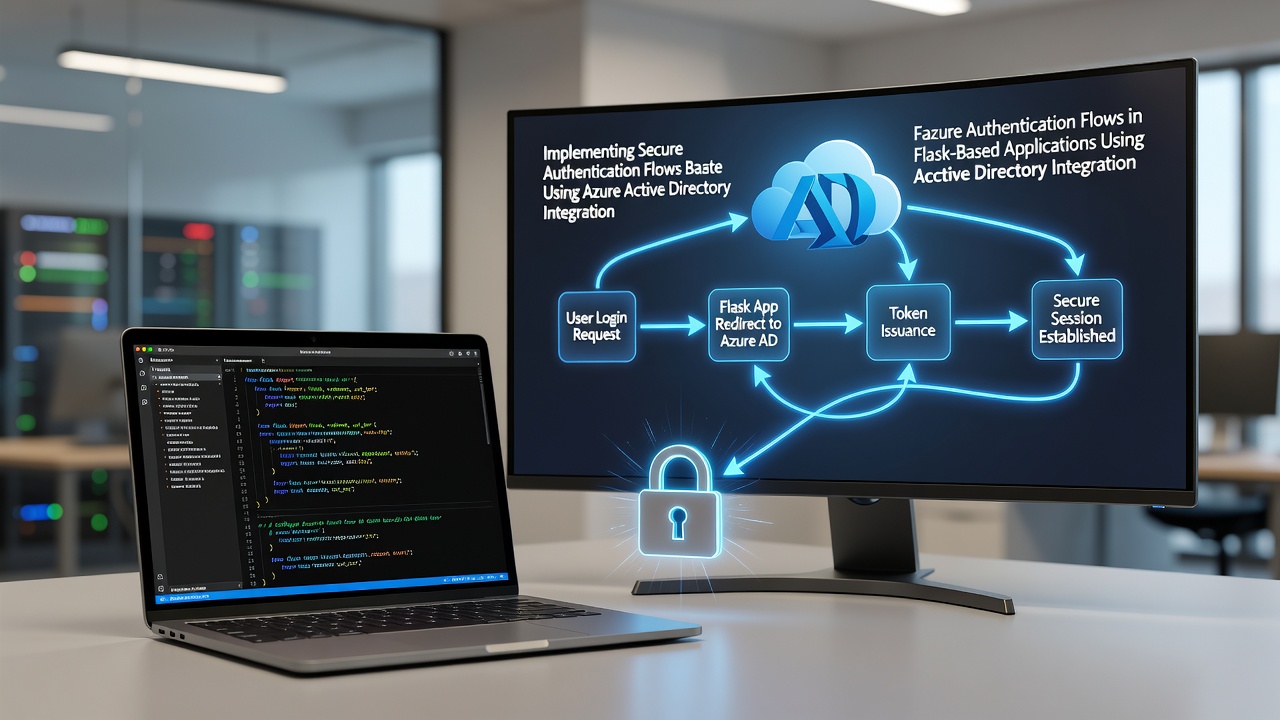
Implementing Secure Authentication Flows in Flask-Based Applications Using Azure Active Directory Integration
Developers building web applications with Flask frequently integrate Azure Active Directory to handle user authentication and authorization because the service provides centralized identity management across enterprise environments. The process begins with registering an application in the Azure portal where teams obtain a client ID along with a tenant ID that later configures the Flask backend. Once these identifiers are in place the application can request tokens through the OAuth 2.0 authorization code flow which Azure Active Directory supports natively and which reduces exposure of user credentials to the web server itself.
Preparing the Azure Active Directory Tenant
Administrators create an app registration that specifies the redirect URI matching the Flask endpoint responsible for handling the authorization response and they assign API permissions such as User.Read to allow the application to retrieve basic profile information. Those who manage the directory also generate a client secret or configure a certificate for confidential client authentication which Flask code later uses when exchanging authorization codes for access tokens. Data from Microsoft indicates that organizations completing these steps before code deployment encounter fewer token validation errors during initial testing phases.
Application manifests can be updated to include optional claims such as groups or roles which the Flask application then maps to internal permission checks. This configuration supports role-based access control without maintaining a separate user database and it aligns with guidance from the National Institute of Standards and Technology on centralized identity providers. Observers note that teams often store these configuration values in environment variables rather than hard-coding them to simplify rotation when secrets approach expiration dates.
Integrating the Microsoft Authentication Library
The Microsoft Authentication Library for Python offers the primary interface for Flask applications communicating with Azure Active Directory and developers install it through standard package managers before writing route handlers. A typical setup initializes a ConfidentialClientApplication object with the client ID tenant ID and client secret after which the code constructs an authorization URL that redirects users to the Microsoft login page. Upon return the application extracts the authorization code from the query parameters and calls acquire_token_by_authorization_code to obtain both access and refresh tokens.
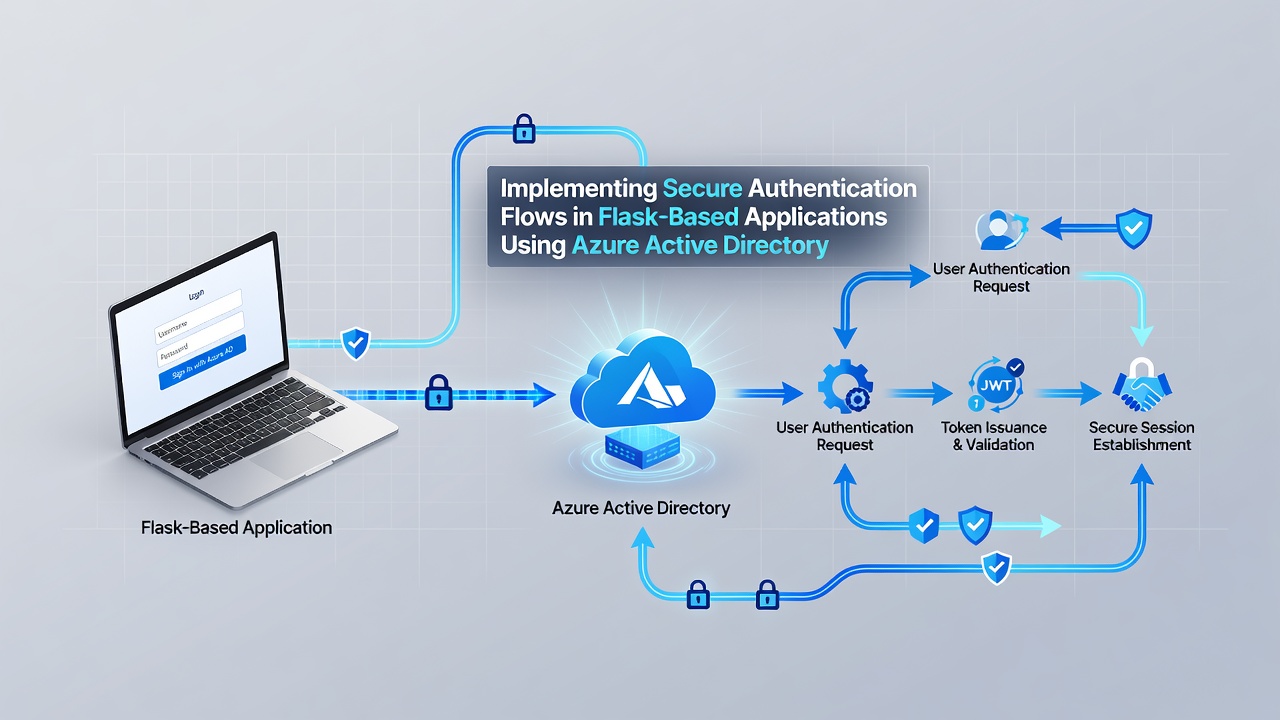
Token validation occurs on subsequent requests through middleware that checks the access token signature against Azure public keys fetched from the OpenID Connect discovery endpoint. Researchers at various institutions have documented that validating both the audience claim and the issuer claim prevents token replay attacks across different applications. Flask session storage holds the resulting user context while the refresh token remains available for silent renewal when access tokens expire after their typical one-hour lifetime.
Handling Token Refresh and Session Management
Because access tokens issued by Azure Active Directory carry short validity periods the Flask application must implement refresh logic that calls acquire_token_silent using the stored refresh token and account information. This mechanism operates without user interaction provided the refresh token remains valid and has not been revoked through administrative action in the directory. Sessions in Flask can be configured to store encrypted token data using server-side storage backends such as Redis which reduces the risk of client-side tampering compared with cookie-based approaches.
Those who have studied production deployments report that combining token caching with Flask's built-in session interface maintains performance under concurrent request loads. Error handling routines catch specific exceptions from the authentication library including cases where users have revoked consent and these routines trigger re-authentication flows automatically. Configuration files define the required scopes for each protected endpoint so that the application requests only the minimum permissions necessary for its operations.
Securing Endpoints and Monitoring Activity
Protected routes in the Flask application use decorators that inspect the Authorization header for a valid bearer token before allowing access to business logic. The decorator validates the token claims and extracts the user principal name which the application can then use for audit logging. Azure Active Directory sign-in logs provide additional visibility when correlated with application telemetry and organizations often forward these logs to centralized monitoring platforms for anomaly detection.
November 2026 updates to conditional access policies in Azure Active Directory introduced stricter requirements for multi-factor authentication on certain high-risk sign-ins and Flask applications must surface these challenges through the library's handling of claims challenges. Developers configure the application to respond to these prompts by redirecting users to complete additional verification steps before issuing the final access token.
Conclusion
Implementation of secure authentication flows using Azure Active Directory within Flask applications follows a sequence of tenant registration library initialization token acquisition and ongoing validation that together establish a robust identity layer. Organizations that adopt this pattern benefit from reduced credential storage responsibilities while maintaining compliance with established security frameworks. Continued monitoring of token lifetimes and policy changes ensures the integration remains effective as Azure services evolve.